All,
My environment is one node with Elasticsearch 6.8.2, MongoDB v4.0.11, and Graylog Server 3.0.2+1686930.
I’m using the “default Index set”, (Shards:4, Index rotation strategy: Index Time, Index retention strategy: Delete, Max number of indices:30)
I have a stream called “User Added”. This notifies me every time a user/s is added to the Domain.
What I would like to do is keep these messages from the stream “User Added” for a Year and not be added to the Index retention strategy 30 days. What I would like to happen is when I do a search for “User Added” they would come up in the Search from the whole year.How would I go about doing this?
Do I need to create a separate Index set and can I set the location where the messages are stored?
Can I separate one shard for the stream “User Added”?
So, to sum it up, I would like a Stream to retain a year worth of messages and I need the 30-Day retention for the rest of the messages and still be able to do an index search on User Added , if that makes sense. Just not sure how I can have two different Retention ,one for all messsages and one for just a stream.
Any Advice would be appreciated. Thank you
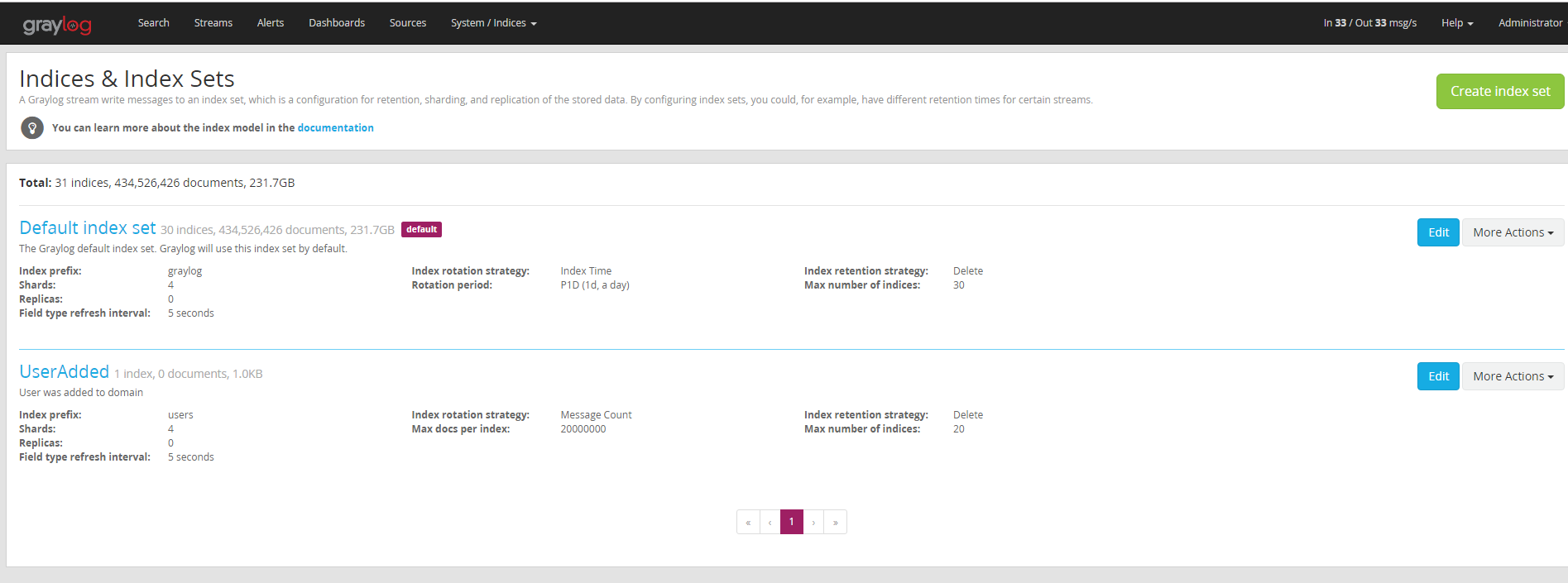
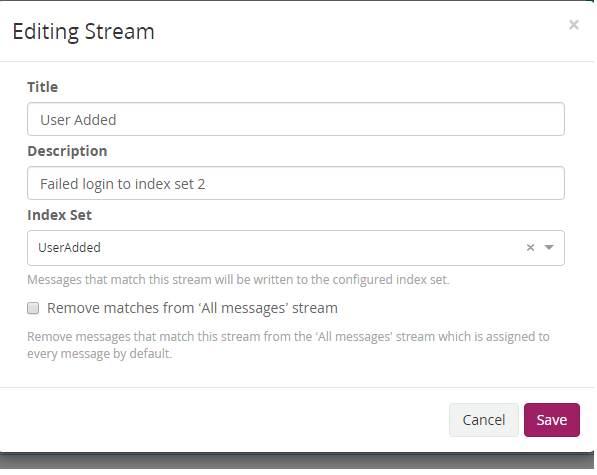
Create a seperate index set called UserAdded. Create a Stream called UserAdded and select the UserAdded index set. Then add rules to route the messages you want into that stream. Adjust the index properties to achieve the retention you want.
Alternatively, purchase an enterprise license and select retention strategy of archive and then you can keep whatever you want for however long you want.
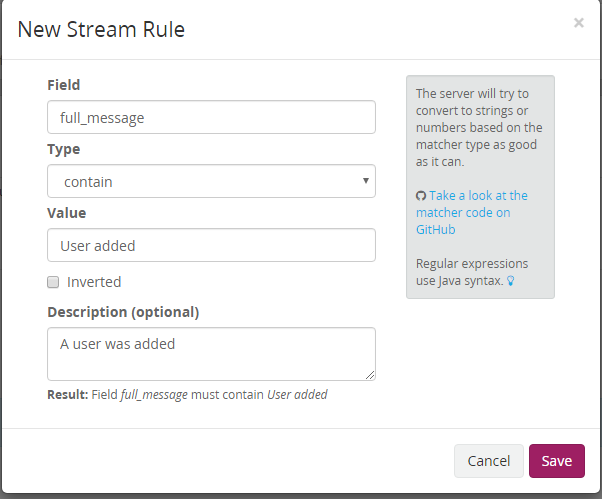
Added rules for stream
So i test this and on the Default Index set the messages came through the stream, On the second index set called UserAdded no messages. Unsure how to route those messages
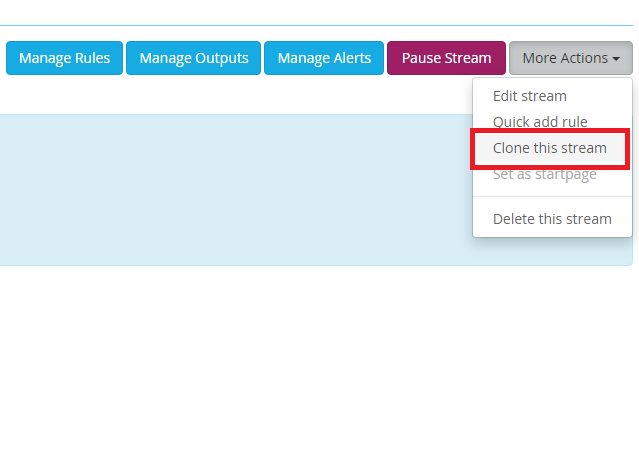
If it’s not in the index set then the stream rule didn’t match. If you go to your streams list, and select manage rules you can test your matching rules against a random message from your input, or if you have the message ID and index name, you can load a specific message to see what the verdict is and if the stream rule matches.
if you use the recent message option, you may need to click it a few times to get the type of message you are actually looking for.

 happy to help